Menu > Host Chat
The Host chat feature is only available to Guests who are assigned to the Host group. For Hosts this can be located in the App Menu and it's important to note, the Host can only respond to a received message, initiating a two-way conversation.
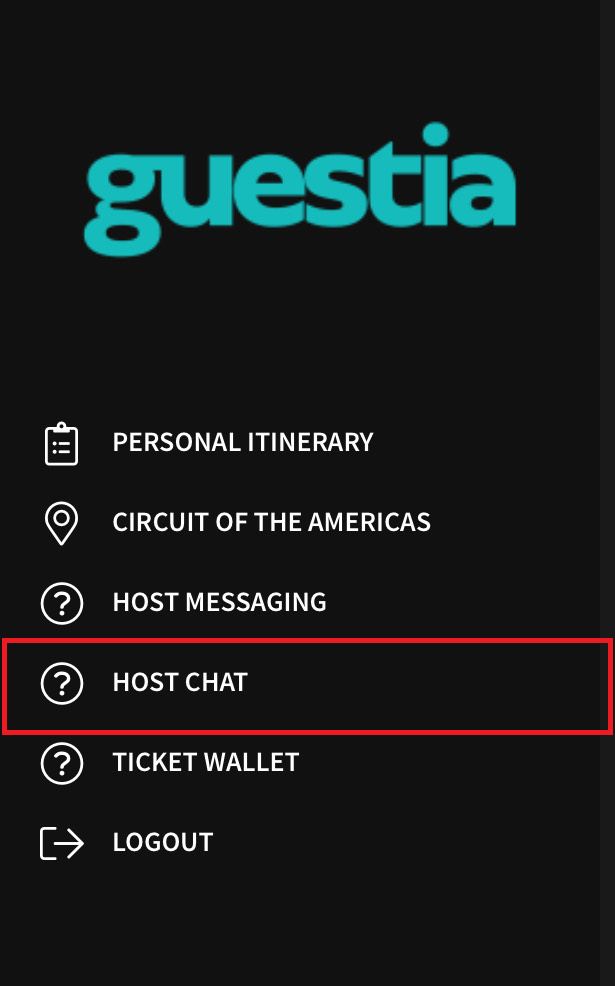
*If the Host chat feature is not visible, to add this please visit: How to enable Host Chat feature
Step 1
Simply select the Host Chat option to open the message inbox
Step 2
Only if a message has been received from a guest, can you then write a response and press send
You have successfully started to use Host Chat!
Was this article helpful?
That’s Great!
Thank you for your feedback
Sorry! We couldn't be helpful
Thank you for your feedback
Feedback sent
We appreciate your effort and will try to fix the article