Menu > Index
The chat feature for guests can be located in the menu index. If the chat feature is not showing, to add this please visit: How to enable Chat for Guests
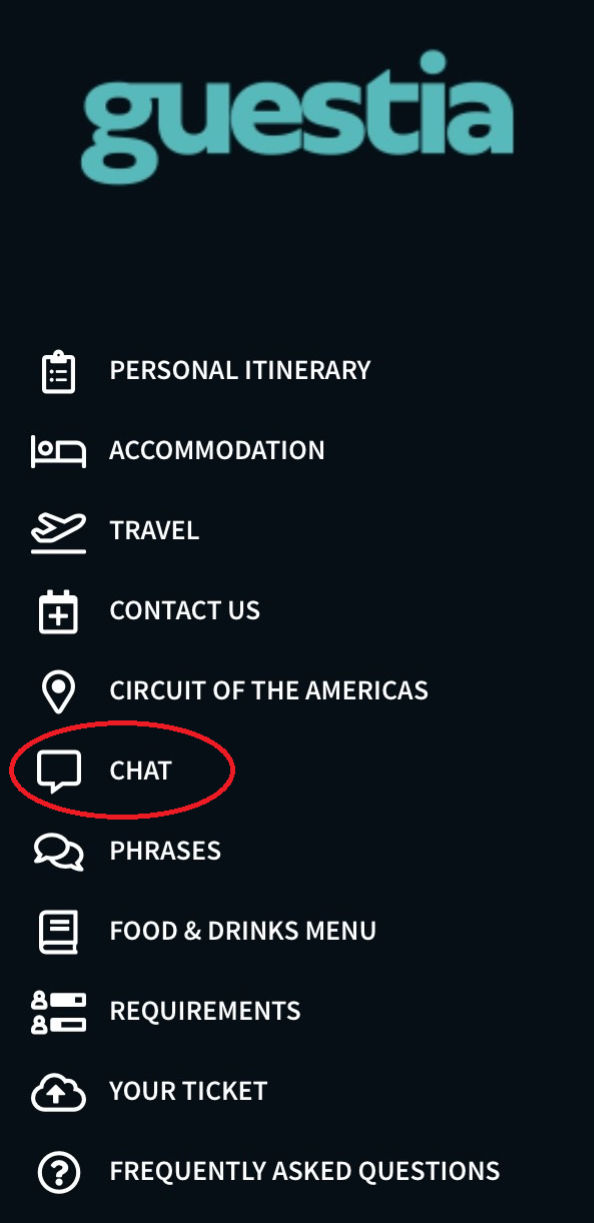
Step 1
Begin by typing your message in the chat.
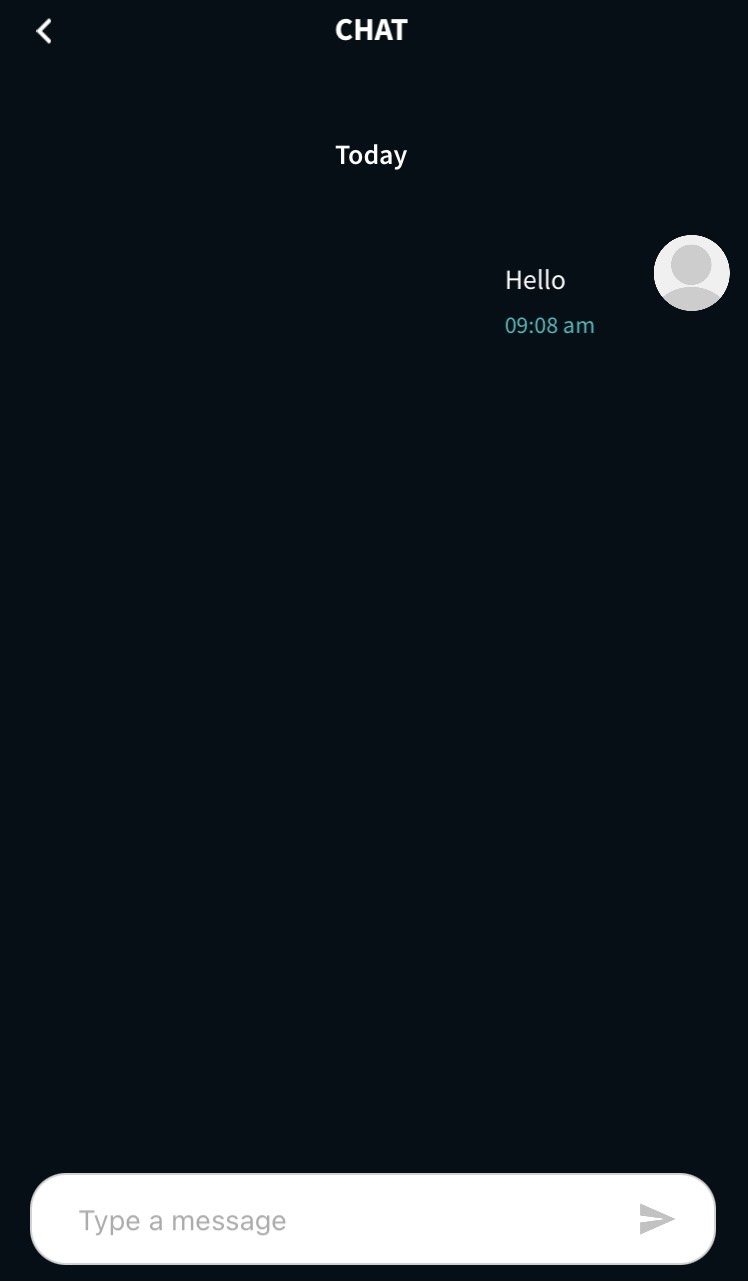
Step 2
Click the send arrow. This will send the message to the Host Chat inbox, enabling a two-way conversation.
You have now successfully started using Chat for Guests!
Was this article helpful?
That’s Great!
Thank you for your feedback
Sorry! We couldn't be helpful
Thank you for your feedback
Feedback sent
We appreciate your effort and will try to fix the article