Event Configuration > Event Details > Chat Display Name
Step 1
First, select Event Configuration from the Menu Index
Step 2
Next, Select Event Details and the General Tab
Step 3
Scroll to the bottom of the page, in the right corner, select Edit Event and edit the Chat Display Name as needed
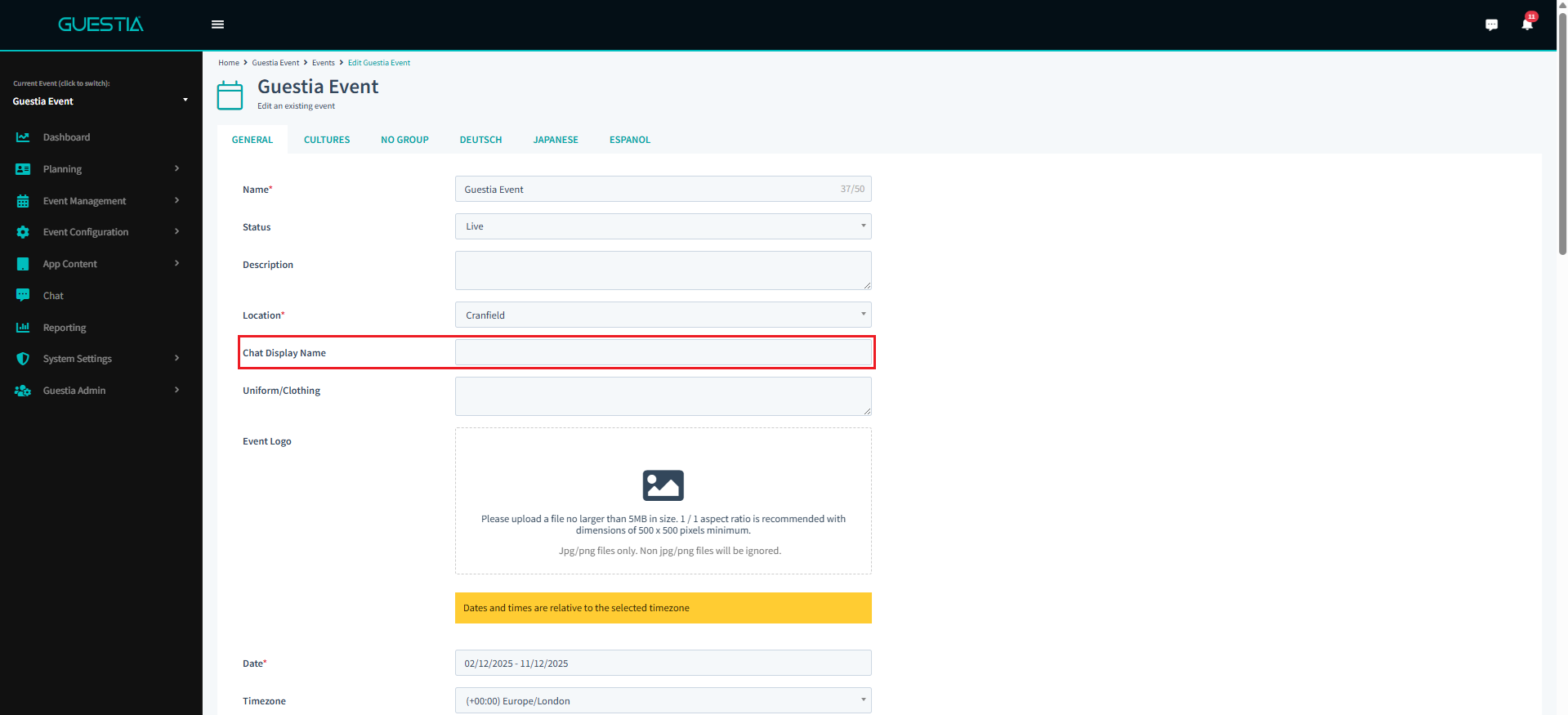
You have successfully set the Chat Display Name
Was this article helpful?
That’s Great!
Thank you for your feedback
Sorry! We couldn't be helpful
Thank you for your feedback
Feedback sent
We appreciate your effort and will try to fix the article