Side Menu -> Chat
Chat is a feature that allows Guests to communicate with Event Organisers or Platform Users. When a Guest is invited to an Event under an Event Brand, a feature that can be added to the Brand which is called 'Chat'. This then opens a direct line of communication to individual Guests by providing a messenger platform.
The Chat feature can be used to provide live support to Guests or actively answer team queries with fast messaging:
Click on 'Chat' on the left side menu to display all Guest messages
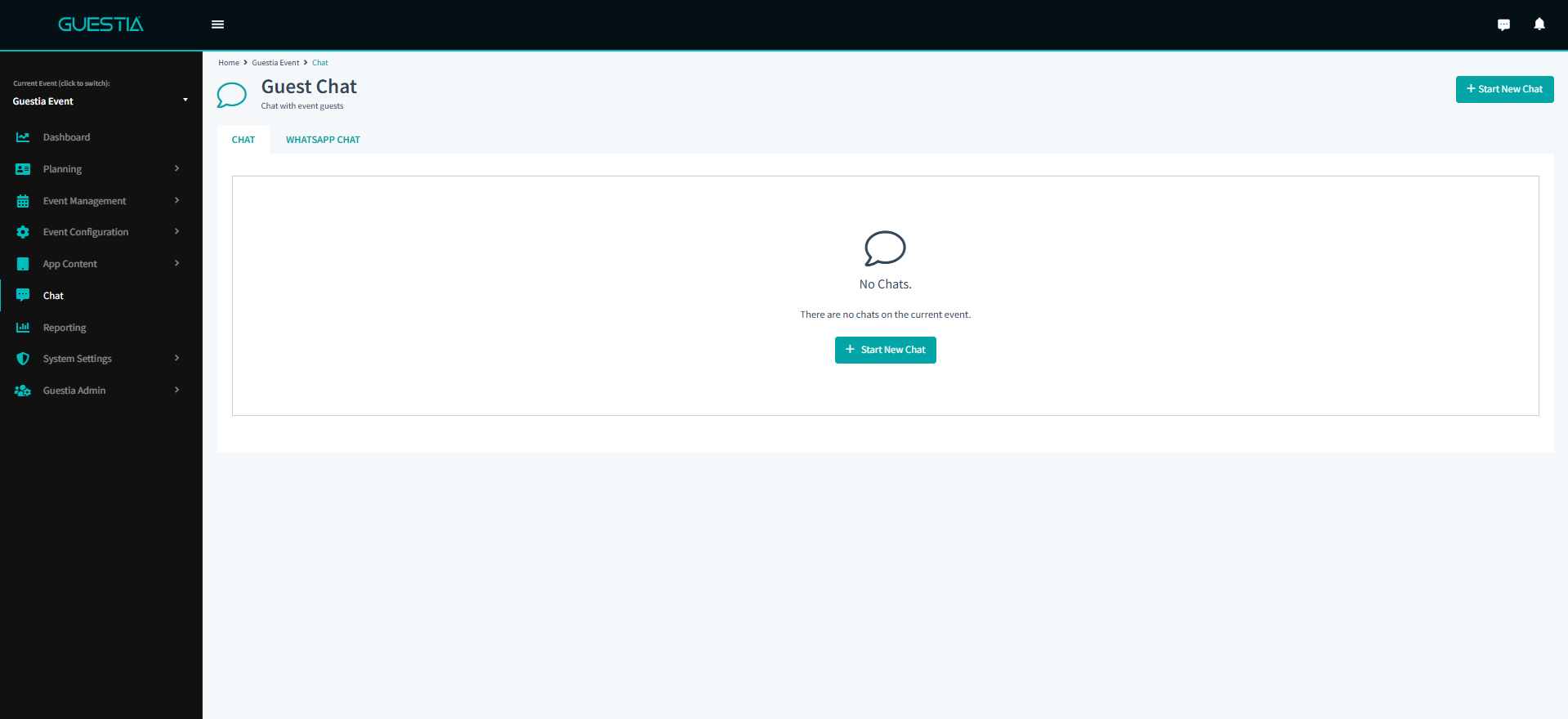
You have successfully accessed Chat!
To chat with a Guest click +Start New Chat and the Start A New Chat modal will appear
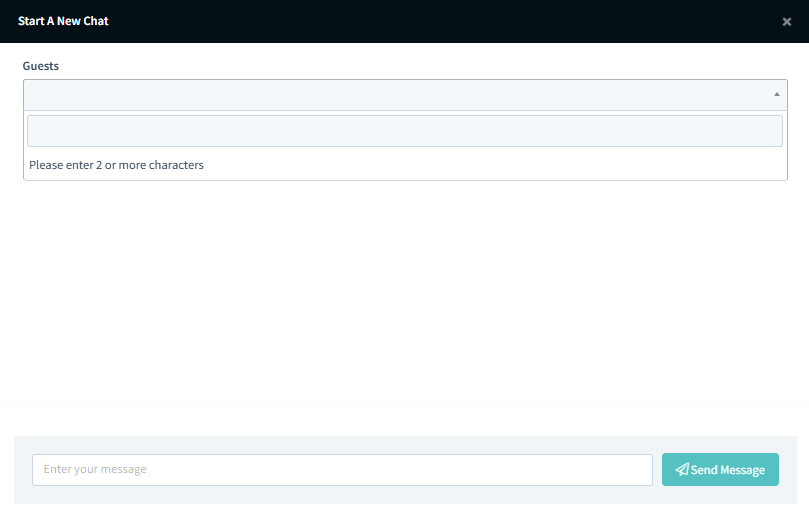
Type in a Guest's name and they will appear in the drop down menu for selection. A message can then be drafted and sent.
Was this article helpful?
That’s Great!
Thank you for your feedback
Sorry! We couldn't be helpful
Thank you for your feedback
Feedback sent
We appreciate your effort and will try to fix the article